




What Is A Database? Definition, Types, And Use Cases


Every time you search Google, log into an app, or make an online order, data is being saved, pulled, and updated behind the scenes in milliseconds. Understanding how this occurs calls for knowledge of what is a database and its fundamental position in contemporary software applications. Databases have become the foundation of digital products across all sectors as worldwide data volumes are projected to reach hundreds of zettabytes in the following years. The basic idea of databases, their operational mechanism, the several kinds in use now, and the actual use cases that make them vital will be discussed in this paper.
What Is a Database?
According to AWS, a database is “an electronically stored, systematic collection of data”. Unlike simple file storage, a database allows data to be queried, updated, and managed in a controlled and consistent way.
Data in a database is typically organized into logical structures such as tables, documents, or objects, depending on the database model. These structures make it possible to work with large volumes of information while maintaining accuracy, relationships, and performance.
In practice, when people ask what is a database, they often refer not only to the stored data. The term also encompasses the complete data system, which enables applications, users, and services to interact with information reliably. This system-level view is widespread in large-scale data architectures used in data engineering.
What Is the Purpose of a Database?
The purpose of a database is to make data usable at scale. It enables organizations to store information once, access it consistently, and reuse it across multiple applications, users, and processes.
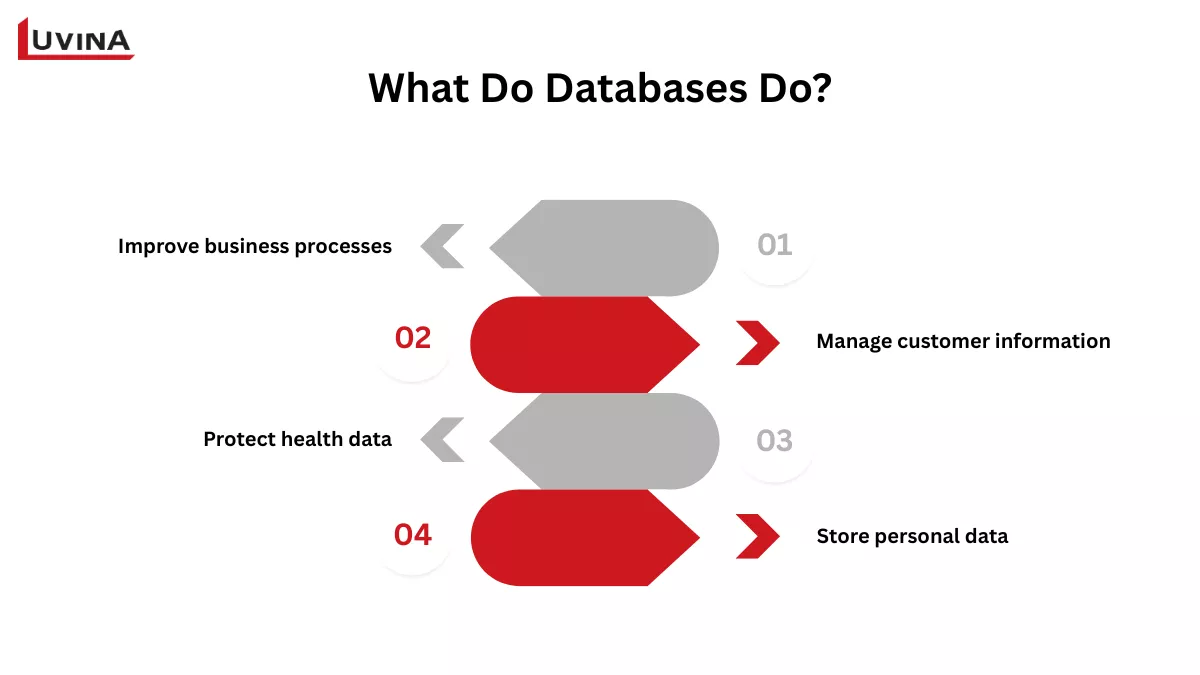
A database makes data management simpler
– Improve business processes: Study operational data to maximize workflows and propel growth by means of improved business processes.
– Manage customer information: Store user data to customize experiences and enhance services, clearly displaying what a database does on current systems.
– Protect health data: To help enhance patient care, properly store personal health records.
– Store personal data: Using cloud-based storage services to handle individual media and documents.
Databases support core operational needs such as tracking transactions, managing customer data, analyzing business performance, and ensuring data security. By centralizing data, they reduce duplication, improve accuracy, and allow real-time access across systems.
In modern digital products, databases are not just storage layers. They are foundational components that power automation, analytics, personalization, and decision-making across industries.
How Does a Database Work?
A database works by separating how data is stored from how users and applications interact with it. Users send requests, such as reading, inserting, or updating data, while the database software handles where the data lives and how it is processed.
At the core of this process is the Database Management System (DBMS). The DBMS interprets queries, enforces rules, manages performance, and ensures that multiple users can safely access the same data at the same time.
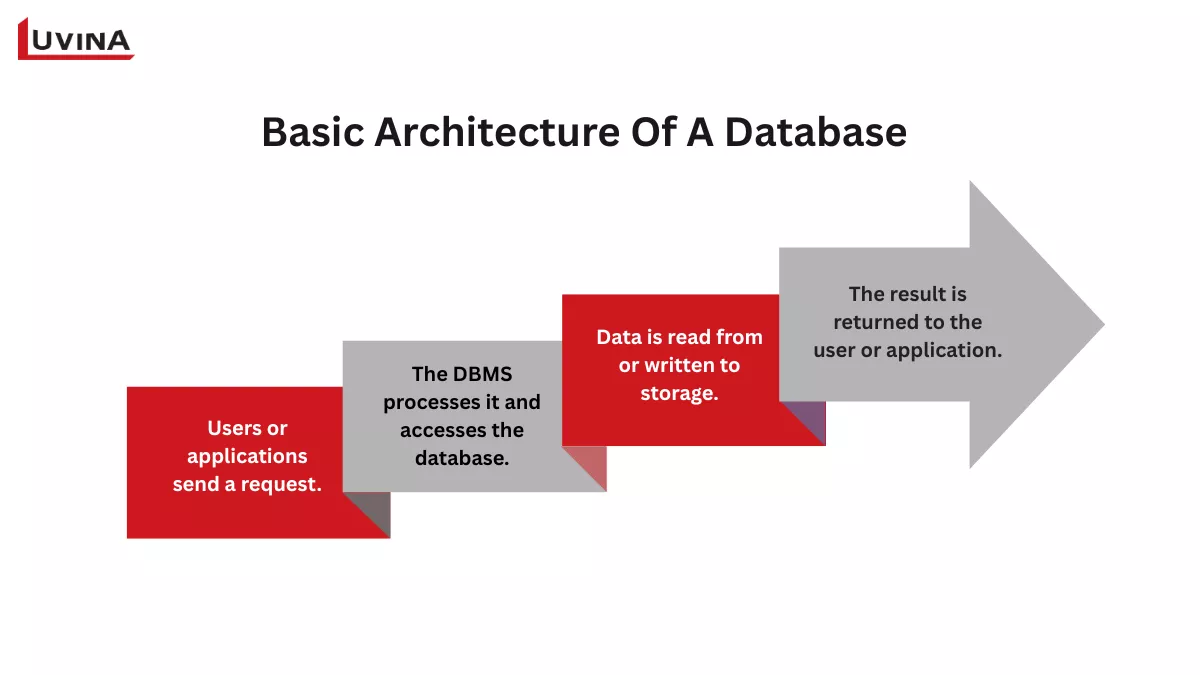
The basic operating process of a database
Architecturally speaking, a database system usually consists of several main modules:
– Query processor: Interprets user queries, checks syntax, optimizes execution plans, and uses indexes to improve performance.
– Storage manager: Controls how data is stored and accessed, including memory buffering, transaction handling, file management, and access control to ensure data integrity and security.
– Physical storage: The lowest layer where actual data files, indexes, logs, and execution statistics are stored on disk.
Behind the scenes, a database system typically includes a query processor, a storage manager, and physical storage. Together, these components ensure data consistency, reliability, and scalability as usage grows.
Database vs Spreadsheet vs File System
Knowing what is a database clarifies why various instruments are created for different needs when comparing data storage solutions. Though spreadsheets and file systems can hold data, databases are meant for more complex use scenarios, while simpler ones are built around them. The following table emphasizes the main distinctions:
| Criteria | Database | Spreadsheet | File System |
| Structure | Structured data with relationships | Rows and columns | Separate files |
| Data volume | Very large datasets | Small to medium | Poor with scale |
| Multi-user access | Built-in concurrency | Limited | Not supported |
| Query capability | Advanced querying | Basic formulas | Manual access |
| Security & consistency | Strong controls | Basic | Weak |
| Scalability | High | Low | Very low |
The key differences between a database, a spreadsheet, and a file system
When to use each option
– Spreadsheets are suitable for personal tasks or small datasets managed by a few users.
– File systems work for basic file storage but lack structure, querying, and data integrity.
– Databases are the right choice when data volume grows, multiple users are involved, and reliability, security, and performance are required.
What Is a Database System/ DBMS?
A database management system (DBMS) is “software that enables database administrators, users, and applications to interface with data in a database easily.” In other words, the DBMS is the layer enabling users to access and manage stored data without knowing where or how it is physically stored when asked what is a database.
Core data chores like database management, metadata management, data querying, and record addition, updating, or removal are supported by a DBMS. Many databases also manage security controls, user access, activity logging, and performance monitoring, which helps to clarify that is database system is beyond only data storage.
Common DBMS types vary by data model, including relational and object-oriented systems. Popular examples include MySQL, PostgreSQL, Microsoft SQL Server, Oracle Database, and IBM Db2.
Define Database Software
Database software is “software used to create, edit, and maintain database files and records.” Instead of concentrating on data itself, this software clarifies how data is processed in reality, hence enhancing understanding as people investigate what is a database beyond its fundamental meaning.
To define database software more clearly, it is the tool that supports data entry, updating, reporting, backup, security, and multi-user access. Most database programs include a graphical interface that enables consumers to construct and manage databases; sometimes it is also called a database management system (DBMS).
Types of Databases
Commonly organized by their core data models, databases are then developed into versions meant for various workloads and applications. The following table organizes databases to better grasp how they are classified and so illuminate different types of DB in use.
| Core types of databases | Description | Variants/Extensions | Use cases |
| Navigational databases | Early databases that store data as linked records accessed by predefined paths | Hierarchical databases; network databases | Legacy enterprise systems |
| Relational databases | A fundamental example of what is a database, storing structured data in tables with rows and columns | RDBMS, NewSQL, Distributed SQL | Financial systems, ERP, CRM |
| Nonrelational (NoSQL) databases | Databases with flexible schemas for unstructured or semi-structured data | Document DB, Key-value DB, Graph DB, Wide-column DB | Web apps, content platforms, big data |
| Object-oriented databases | Databases that store data as objects aligned with OOP principles | Object databases | Object-oriented applications |
| Vector databases | A modern form of a database designed for similarity-based data storage | AI vector stores, embedding databases | AI, ML, NLP, RAG systems |
| Cloud databases | Databases hosted and managed in cloud environments | Self-managed cloud DBs, DBaaS | Scalable cloud-native applications |
| Distributed databases | An approach to what is a database where data is distributed across multiple locations | Distributed relational DBs, Distributed NoSQL DBs | High availability systems |
| Multimodel databases | Databases that support multiple data models in one system | Relational + Document + Graph | Mixed data workloads |
| Data warehouses | Databases optimized for fast querying and analytics | Cloud data warehouses, BI platforms | Reporting and analysis |
| Autonomous databases | Self-managing databases using machine learning automation | Self-driving databases | Minimal admin environments |
Some common types of databases
>>> Read more about SQL vs NoSQL databases HERE
What Are Database Records and Fields?
People asking what is a database usually refer not just to the system itself but also to the way data is arranged inside it. Databases are constructed from records and fields, which specify in daily use how information is kept, arranged, and accessed.
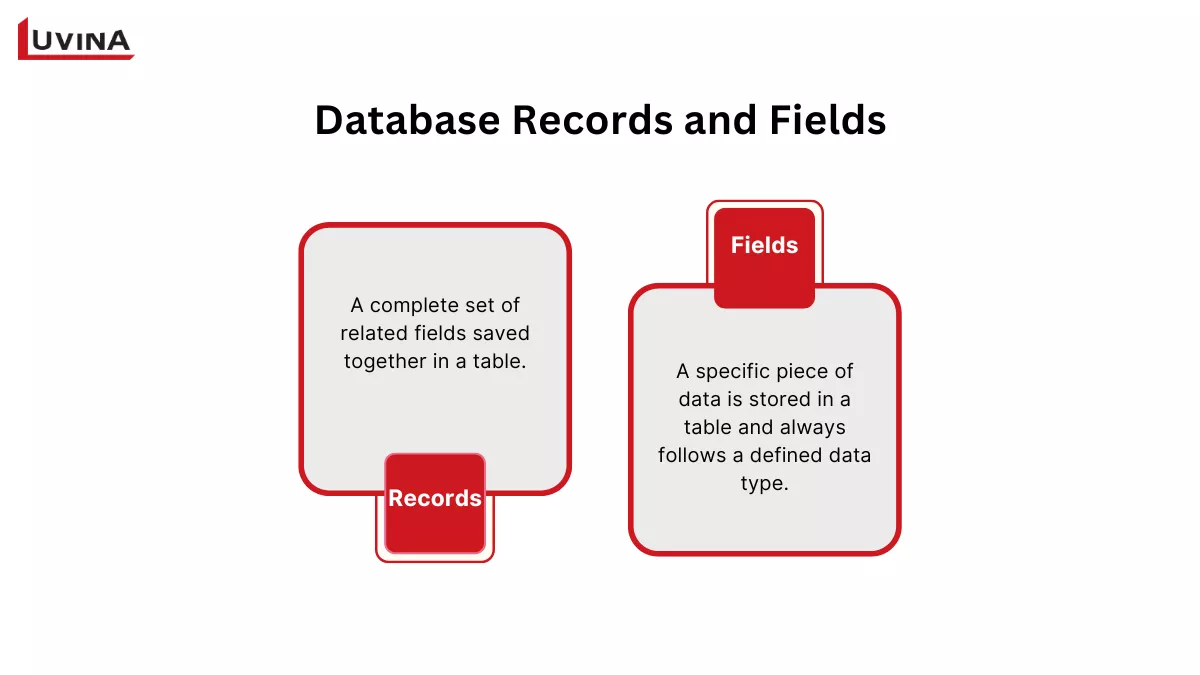
Understanding what is a database includes knowing records and fields
What is a database field?
A database field is a specific piece of data stored in a table and always follows a defined data type. Columns, or attributes, are also called fields. Many disciplines store basic values like text or numbers; certain databases let fields manage more sophisticated data, including pictures, files, or video snippets. The field could preserve a reference or pointer to the file rather than the file itself in these situations, therefore keeping the database size under check and boosting search and backup speed.
What are database records?
A database record is a complete set of related fields saved together in a table. Each record appears as one row and reflects one entity. Since all the records in a table have the same fields, the columns stay consistent as new records are added and the rows vary. In layman’s words, this structure describes what a database is and why data may be quickly produced, changed, or removed without influencing other records.
Data is stored mostly in database records, which serve as the primary units. Often called tables, files, or datasets, groups of records can have various sorts of values in the same row. A well-made table usually has a primary key – that is, a unique field used to identify every record and guarantee data consistency across the database.
Use Cases
To make this practical, the table below summarizes common real-world scenarios and shows what is a database used for across different industries, rather than repeating theory.
| Use cases | Explaination | Industry applications |
| Fraud detection | Analyzes linked transactions to identify unusual patterns | Banking, finance, insurance |
| Document management | Stores, indexes, and retrieves documents efficiently | Legal, enterprise, CMS platforms |
| Gaming and entertainment | Supports millions of concurrent users and real-time updates, showing what is a database under high traffic loads. | Gaming, streaming, media |
| Account and transaction management | Maintains accurate records for balances and transfers. | Banking, fintech |
| Patient record management | Organizes structured medical data with controlled access. | Healthcare, hospitals |
| Inventory and customer data | Tracks products, orders, and customer behavior in a centralized system. | Retail, e-commerce |
| User and content data storage | Manages profiles, messages, and media at scale. | Social media, online platforms |
Database use cases and their corresponding industries
Conclusion
From basic definitions and structures to typical types and real-world uses, this article has covered the main concepts underlying what is a database. Moreover, it defines what is the purpose of a database: efficient and safe organization, administration, and retrieval of information rather than merely to store data. Databases will continue to be a basic component of modern systems, enabling improved decisions, scalable apps, and long-term digital innovation as data becomes more valuable and volume grows.
Resources
- https://www.techtarget.com/searchdatamanagement/definition/database
- https://www.mongodb.com/resources/basics/databases/database-architecture#basic-database-system-architecture
- https://www.nutanix.com/info/database#howitworks
- https://unacademy.com/content/gate-cse-it/difference-between-file-system-and-dbms/
- https://www.ibm.com/think/topics/database
- https://www.techtarget.com/searchdatamanagement/definition/database
- https://www.oracle.com/asean/database/what-is-database/
- https://aws.amazon.com/what-is/database/
- https://www.ibm.com/think/topics/database
- https://www.oracle.com/asean/database/what-is-database/
- https://www.coursera.org/articles/what-is-database
- https://teachcomputerscience.com/database-record/#:~:text=The%20Database,-A%20database%20is&text=A%20field%20is%20a%20specific,%2C%20address%2C%20and%20phone%20number.
- https://teachcomputerscience.com/database-fields/
- https://aws.amazon.com/what-is/database/#what-are-databases-used-for–t7e3fh
- https://www.codecademy.com/article/database-guide
READY TO START A PROJECT?
Our experts are eager to explore your needs.

Read More From Us?
Sign up for our newsletter
Read More From Us?
Sign up for our newsletter