




Software Performance Testing Metrics Explained for QA Teams


McKinsey claims that 70% of the software utilized by Fortune 500 fModern software seldom breaks because of missing features; rather, it Google research reveals that 53% of mobile users leave a website if loading takes longer than 3 seconds. The increasing pressure is why QA departments trying to produce quick, stable, and dependable digital goods have come to view software performance testing metrics as a necessary tool.
Software performance testing emphasizes how an application operates in actual life circumstances. It assesses speed, responsiveness, scalability, and stability when system resources are limited or when user traffic grows, therefore assisting teams in identifying undetected bottlenecks that might impair business results, system dependability, or user experience. QA teams depend on unambiguous, well-defined measures that turn raw data into actionable insights so as to understand test results. This article will examine the key performance testing metrics employed in load and stress testing.
5 Group of Software Performance Testing Metrics
To evaluate system behavior under load and stress conditions, QA teams rely on a structured set of indicators. The table below presents the 5 main groups of software performance testing metrics.
| Metric group | Key metric | Description |
| User-centric metrics | Response time (avg/min/max) | Time required to return a response (avg/min/max) |
| Percentiles (P90, P95, P99) | – P90: The response time below which 90% of requests are completed, reflecting the typical user experience.- P95: The response time under which 95% of requests fall, often used as an SLA or SLO benchmark.- P99: The threshold covering 99% of requests, highlighting tail latency and outliers. | |
| Apdex score | A standardized index (0–1) that translates response times into overall user satisfaction. | |
| Throughput and capacity metrics | Software performance testing metrics – Requests per second (RPS) | The number of requests processed per second. |
| Transactions per second (TPS) | The number of completed business transactions per second under load. | |
| Concurrent users | The maximum number of active users the system can support while meeting performance targets. | |
| System and infrastructure metrics | CPU utilization | The percentage of CPU resources consumed during performance testing. |
| Memory usage | The amount of memory used by the application (helping detect leaks or inefficient allocation). | |
| Disk I/O | The rate of data read and written to disk, which can affect backend response times. | |
| Thread/connection count | The number of active threads or connections handling requests simultaneously. | |
| Network and latency metrics | Network latency (RTT) | Round-trip latency between client and server |
| Bandwidth usage | The volume of data transmitted per second across the network. | |
| Packet loss | The percentage of lost data packets can cause retries and response delays. | |
| Error and reliability Metrics | Error rate | The proportion of failed requests relative to total requests sent. |
| Timeout rate | The frequency of requests exceeding the allowed response time limit. | |
| Failed transactions | The ratio of business transactions that do not meet validation or logic criteria. |
Key software performance testing metrics in 5 groups
Together, performance KPIs provide a comprehensive view of application performance. If you can only track a limited set of software performance testing metrics, focusing on core metrics provides a reliable snapshot of system health. However, as systems grow in scale and complexity, these basics are often not enough, making advanced performance metrics essential for deeper analysis and optimization.
Advanced Performance Metrics
QA teams need more thorough indicators once baseline statistics are well-known to explain why performance problems develop and how systems react in challenging circumstances. The following are important advanced indicators often employed in performance and software-testing techniques:
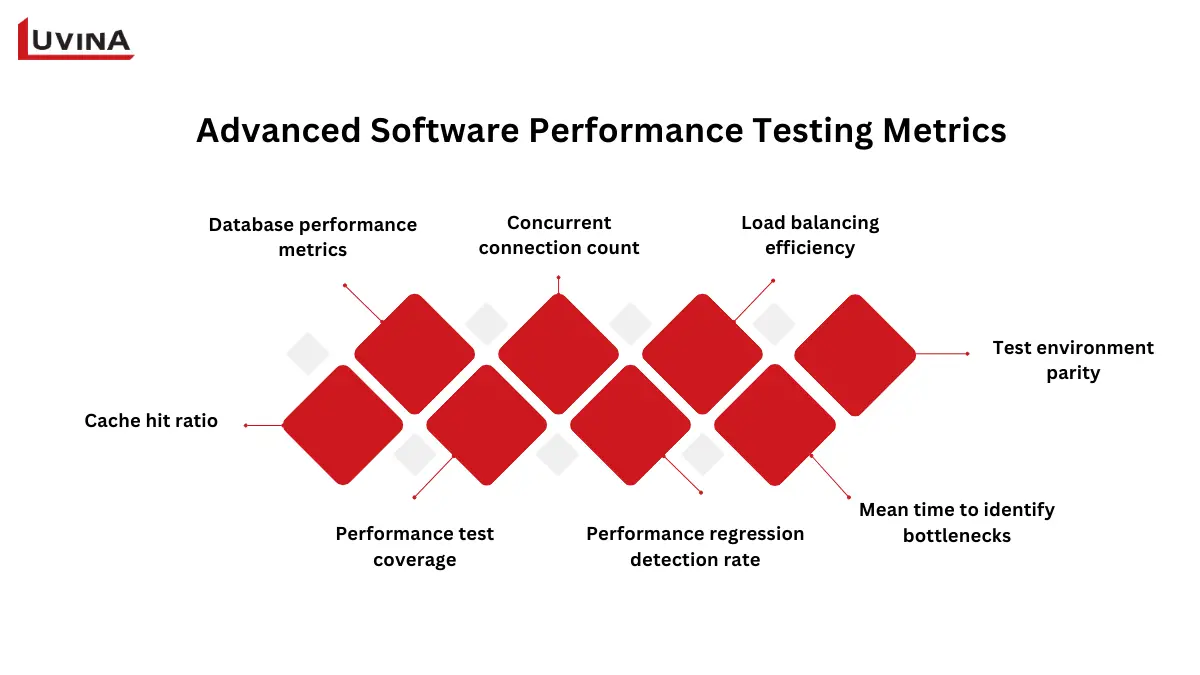
Advanced metrics that support interpreting test results
– Database performance metrics: Determine database connection use, transaction rates, and query response time.
– Concurrent connection count: Tracks the number of concurrent connections supported without performance degradation.
– Load balancing efficiency: Measures how equally traffic is spread across several servers or nodes.
– Cache hit ratio: Shows the frequency with which data is cached versus the database.
– Performance test coverage: Reflects the degree of critical user journeys covered by performance tests.
– Performance regression detection rate: Measures how well tests catch performance problems before production.
– Mean time to identify bottlenecks: Tracks the speed with which teams can find the fundamental cause of performance issues
– Test environment parity: Assesses how well the test setting reflects production conditions.
Performance Metrics by Test Type
Each type of performance test has its own goals and calls for a specialized set of signs to provide insights. The following table summarizes important performance test categories, corresponding software performance testing metrics for each, and a brief explanation of what each metric assesses.
| Test type | Metric | Description |
| Load testing (normal user traffic) | Response time | Time to process a page or transaction. |
| Throughput | Number of transactions processed per second. | |
| Error rate | Percentage of failed transactions. | |
| Number of virtual users | Simulated concurrent users during the test. | |
| Stress testing (extreme load, using stress testing software) | System stability | Ability to operate under extreme load. |
| Recovery time | Time to recover after failure or overload. | |
| Software performance testing metrics – Error handling | Effectiveness in managing errors under stress. | |
| Scalability testing (growth/load increase) | Resource utilization | CPU, memory, and disk usage as load grows. |
| Response times | Performance consistency under increasing load. | |
| Scalability factor | Ratio of increased performance to increased load. | |
| Endurance testing (long-term operation) | Memory usage | Detect memory leaks over extended use. |
| Response times | Monitor for degradation over time. | |
| System health | Overall stability during prolonged testing. | |
| Spike testing (sudden traffic surges) | Response time | Speed of system responses during spikes. |
| Error rate | Percentage of failed requests under spikes. | |
| Recovery time | Time to return to normal after the spike. | |
| System stability | Ability to remain operational during a sudden load. | |
| Software performance testing metrics – Resource utilization | CPU, memory, and disk usage during spikes. | |
| Volume testing (large data handling) | Data throughput | Amount of data processed per second. |
| Query execution time | Time for database queries under heavy data load. | |
| Disk I/O | Rate of data read/write operations. | |
| Memory usage | Resource consumption during large operations. | |
| Error rate | Percentage of failed data operations. | |
| Database indexing efficiency | Query performance on indexed fields. |
Each type of test has its own set of key metrics
Beyond individual metrics, it’s important to align test types with the nature of the system:
– Customer-facing web and mobile applications: Load testing and spike testing
– Enterprise and internal systems: Endurance testing and scalability testing
– Data-intensive systems: Volume testing
– Mission-critical systems: Stress testing
How to Interpret Performance Testing Metrics
Rarely will raw software performance testing metrics alone give the whole picture. Real value extraction calls for QA teams to examine patterns, links, and irregularities in results. Rather than depending on averages, concentrate on defined boundaries, distribution, and correlation.
Use the following interpretation guidelines to direct your analysis of testing results:
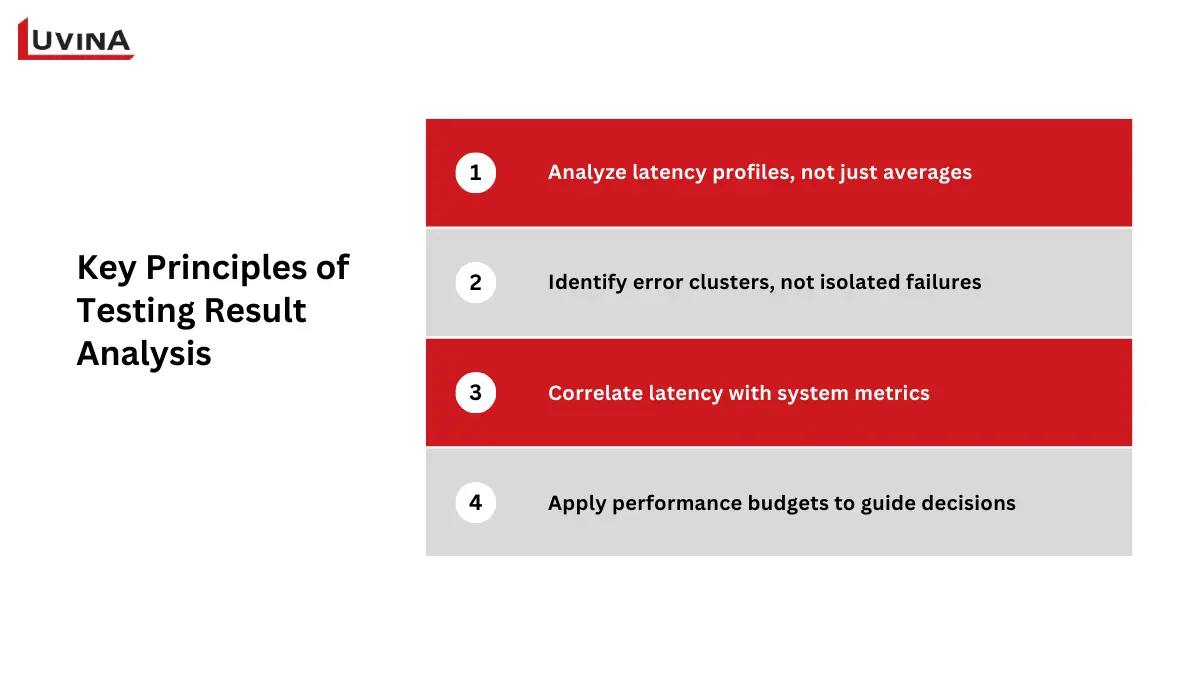
Keep these principles in mind when reviewing test results
Analyze latency profiles, not just averages
Always go over P95, P99, and the average response time together. If P95 stays within acceptable ranges but P99 surges, this usually points to edge cases – such as blocked threads, garbage collection halts, or sluggish downstream dependencies – that influence a little but vital group of users.
Identify error clusters, not isolated failures
Particularly server-side mistakes like 5xx responses, group errors by kind and conduct. Normally signifying backend logic problems or dependence breakdowns rather than sporadic volatility, repeated failures associated with particular requests or data inputs often point to backend logic concerns or dependency breakdowns.
Correlate latency with system metrics
Response time spikes ought to be studied together with thread activity, CPU use, and database connection pool utilization. Latency increases consistent with CPU saturation, database pool exhaustion, or thread contention clearly indicate resource bottlenecks instead of application logic alone.
Apply performance budgets to guide decisions
Before testing, establish defined thresholds, such as the maximum allowable P95 response time, acceptable error rate, or the most database queries allowed per request. Results ought to launch an inquiry or halt releases if these budgets are broken, even if typical statistics seem to be acceptable.
Interpreting results in this structured way ensures software performance testing metrics are used as decision-making tools rather than reporting artifacts.
Common Mistakes When Using Performance Metrics
Performance testing can still fail even when teams gather the right data if metrics are misinterpreted or abused. Early awareness of these hazards lets teams better use system performance measures and so prevent incorrect judgments. The table below emphasizes the most common errors, their effects, and realistic solutions.
| Mistake | Impact | Solution |
| Ignoring context when reading metrics | Wrong conclusions about system performance | Understand what each software performance testing metric measures and consider the test context |
| Ignoring distribution and outliers | Hidden performance issues remain undetected | Review percentiles (P95, P99) along with averages |
| Relying on a single metric without resource correlation | Skewed view of system health; bottlenecks missed | Track multiple key metrics (response time, throughput, error rate) and compare with CPU, memory, DB, and thread usage |
| Misaligned thresholds | Metrics appear “good,” but user experience suffers | Set realistic, business-aligned performance budgets |
| Inconsistent data collection and a lack of trend tracking | Metrics are unreliable; regressions go unnoticed | Ensure consistent test environments and track metrics across multiple test cycles |
| Failing to act on metric insights | Performance issues persist | Turn software performance testing metrics into actionable fixes |
Common mistakes when using performance metrics and how to address them
Performance Testing Metrics Checklist
You should concentrate on the checklist items directly affecting how software performance testing metrics are defined, measured, and analyzed in order to make performance testing really successful. The list below keeps attention on metric-driven decisions and removes operational noise.
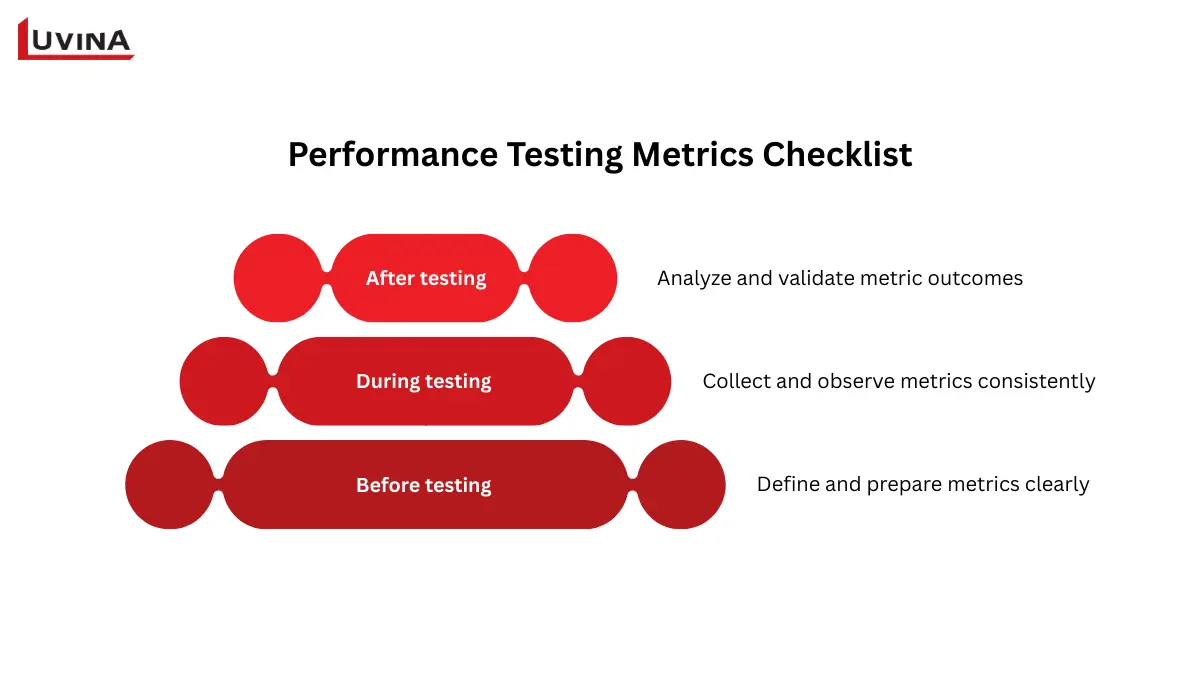
Key considerations when using performance testing metrics
Before testing: define and prepare metrics clearly
– Establish which performance testing metrics matter most (response time, throughput, error rate, resource consumption).
– For every measure, define success criteria and measurable thresholds.
– Match measures with user expectations and non-functional needs.
– Make sure the testing environment can produce reliable and comparable metric information.
– To avoid biased measures, design test cases and data mirroring actual user behavior.
During testing: collect and observe metrics consistently
– Define baseline measurements before raising the load.
– Keep tabs on response times, volume, and error rates relative to load.
– Alongside application data, track system-level indicators including CPU, memory, and network utilization.
– Watch for metric deviations during peak, stress, or endurance conditions.
– Ensure all software performance testing metrics data is logged and timestamped for later correlation.
After testing: analyze and validate metric outcomes
– Compare actual results against predefined metric thresholds.
– Identify bottlenecks by correlating latency spikes with resource metrics.
– Validate whether fixes improve the targeted software performance testing metrics.
– Re-test to confirm metric stability after optimization.
– Document metric trends and findings for future benchmarks and regression tracking.
Final thoughts
From grasping key metric groups to interpreting results and dodging typical errors, this article has covered the entire picture of software performance testing metrics. You must take a methodical, metrics-driven approach as development cycles quicken and systems become more sophisticated. Working with seasoned software testing outsourcing companies can speed this process for businesses lacking in-house competence and help guarantee that best practices are always followed.
Contact Luvina right now if you want to improve your performance testing plan and get more accurate results from your statistics.
Resources
- https://manishsaini74.medium.com/performance-testing-metrics-what-to-measure-a550ec1e65ce
- https://qaceacademy.com/performance-test-metrics/
- https://www.theknowledgeacademy.com/blog/performance-testing-in-software-testing/
- https://www.testrail.com/blog/performance-testing-types/
- https://testomat.io/blog/types-of-performance-testing/#choosing-the-proper-types-of-performance-tests
- https://blog.magicpod.com/performance-testing-metrics-matter
READY TO START A PROJECT?
Our experts are eager to explore your needs.


Read More From Us?
Sign up for our newsletter
Read More From Us?
Sign up for our newsletter